
AI Interior Design: Redesign Any Room From a Photo in Seconds
AI interior design lets you upload a photo of any room and get a professionally restyled version back in seconds, without booking a single consultation. According to the U.S. Bureau of Labor Statistics, traditional interior designers spend their time on space planning, material selection, and coordinating a project from concept to installation — work that used to take weeks. An AI interior design tool compresses the visualization part of that process into a single upload-and-generate step, so you can see modern, Scandinavian, minimalist, or boho versions of your actual living room before you commit a dollar to paint or furniture.
You pick a room type and a style, and generative AI restyles the image of your space while keeping its real windows, doors, and proportions intact. Most tools have a free tier, so you can test the idea before you pay, and the same technology now reaches beyond decorating into floor-plan-to-3D conversion, virtual staging for real-estate listings, and full exterior and landscaping redesigns.
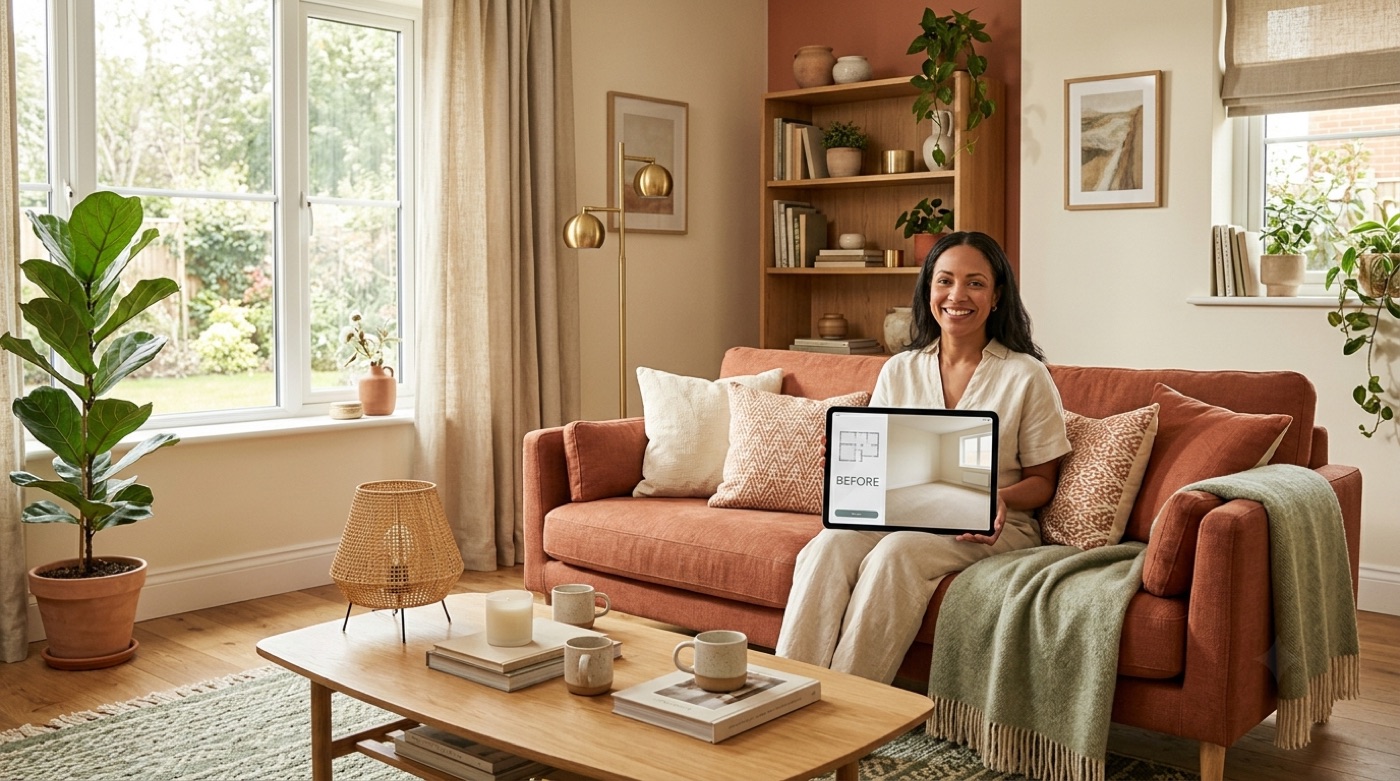
What Is AI Interior Design and How Does It Work?
AI interior design uses artificial intelligence to generate professional interior design solutions automatically: it analyzes a room photo, reads the spatial layout, and applies design principles to transform the space to match a chosen style and functional need. It behaves like a professional interior designer available around the clock, just faster and far cheaper for the visualization stage.
A step-by-step workflow, most tools share it
Nearly every AI interior design app collapses the same idea into a short sequence. Some, like RoomGPT, reduce it to one photo and one style choice; others add customization screens for color scheme, brightness, or room size before generating.
- Upload a photo of the room you want to redesign — most tools accept PNG or JPG files up to around 50 MB.
- Choose a room type — living room, bedroom, kitchen, and so on — so the AI applies style rules that fit that space.
- Pick a design style, such as Modern, Scandinavian, or Minimalist, from the tool’s style library.
- Customize settings if the tool offers them: color palette, lighting mood, or a written note about what to keep or change.
- Generate the render and wait anywhere from a few seconds to about a minute.
- Review multiple variations, since most generators return two to four options per request.
- Download or share the result, or regenerate with a different style if the first pass misses the mark.
This is generative AI at work in the same broad sense described in the general overview of generative artificial intelligence: a model trained on huge volumes of images learns the visual rules of a style well enough to reapply them to a brand-new photo it has never seen.
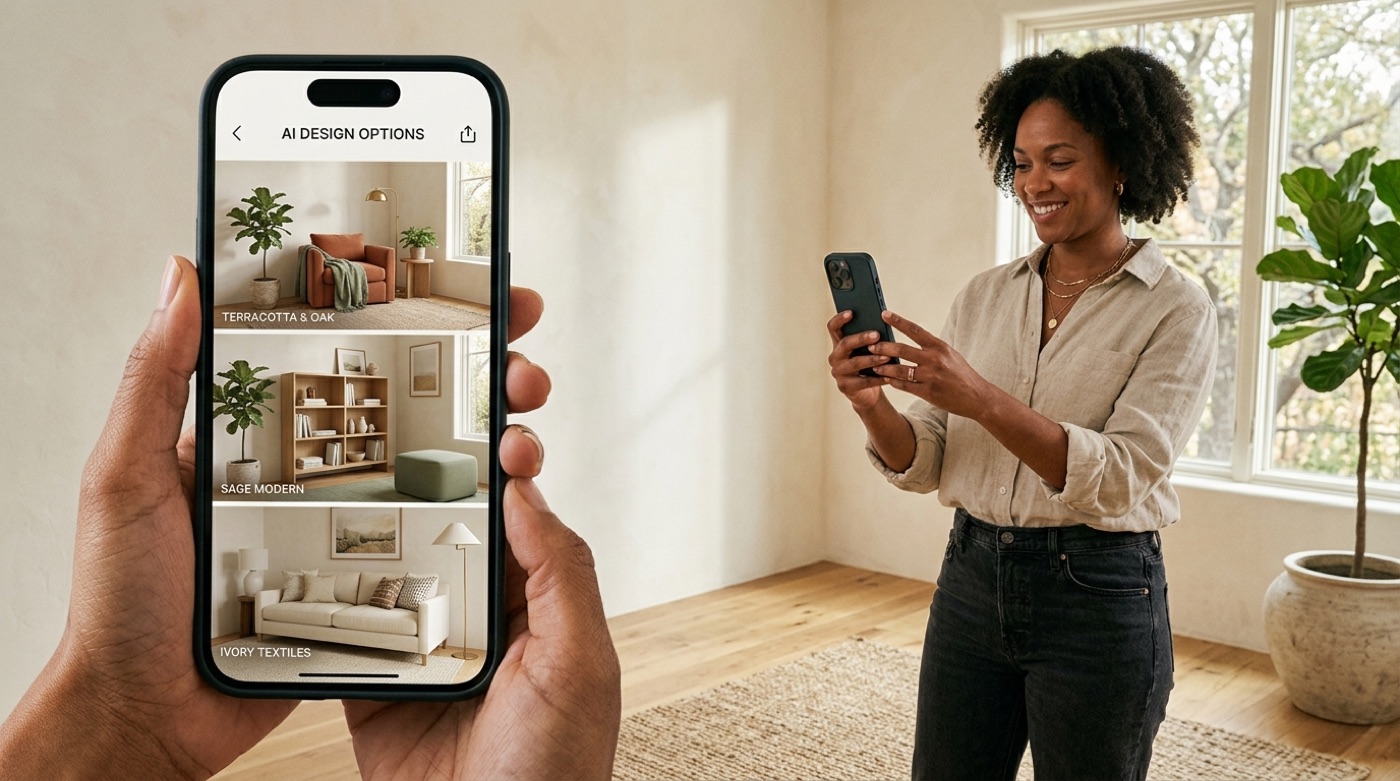
Can You Take a Photo of Your Room and Have AI Design It?
Yes — photo redesign is the core use case, not a side feature. Snap or upload a picture of your current room and the AI redesigns it directly on top of that image, preserving the room’s real geometry while swapping the furniture, colors, and finishes for the chosen style. Some tools also accept a hand sketch or a screenshot from 3D modeling software and turn it into a photorealistic render.
Photo redesign versus floor-plan tools
Not every AI interior design tool works from a photo the same way. Photo-redesign tools restyle an existing room using its picture as the starting point — ideal if you already live in the space and just want to see it differently. Floor-plan tools instead build a 3D model from a 2D floor plan, which suits planning a new apartment layout or a full renovation before a single wall is painted. A handful of platforms combine both approaches in one subscription.
| Tool type | Starting point | Best for |
|---|---|---|
| Photo-redesign | A photo of an existing room | Quick restyling, before/after comparisons |
| Floor-plan / 3D | A 2D floor plan or blank canvas | New layouts, full renovations, room additions |
| Sketch-to-render | A hand sketch or CAD screenshot | Early-stage concepts, architects and designers |
Room Types and Design Styles You Can Generate
AI interior design tools cover far more than the living room. Coverage typically spans every room in a house plus outdoor space, and style libraries range from a small curated set to well over fifty named looks.
Room types AI can redesign
- Interior living spaces — living room, bedroom, kitchen, bathroom, dining room, home office, kids’ room, walk-in closet, hallway, and gaming room
- Exterior spaces — house facades, patios, gardens, and pool areas
- Commercial-adjacent spaces — some tools extend to offices and small retail layouts
Design styles AI can apply
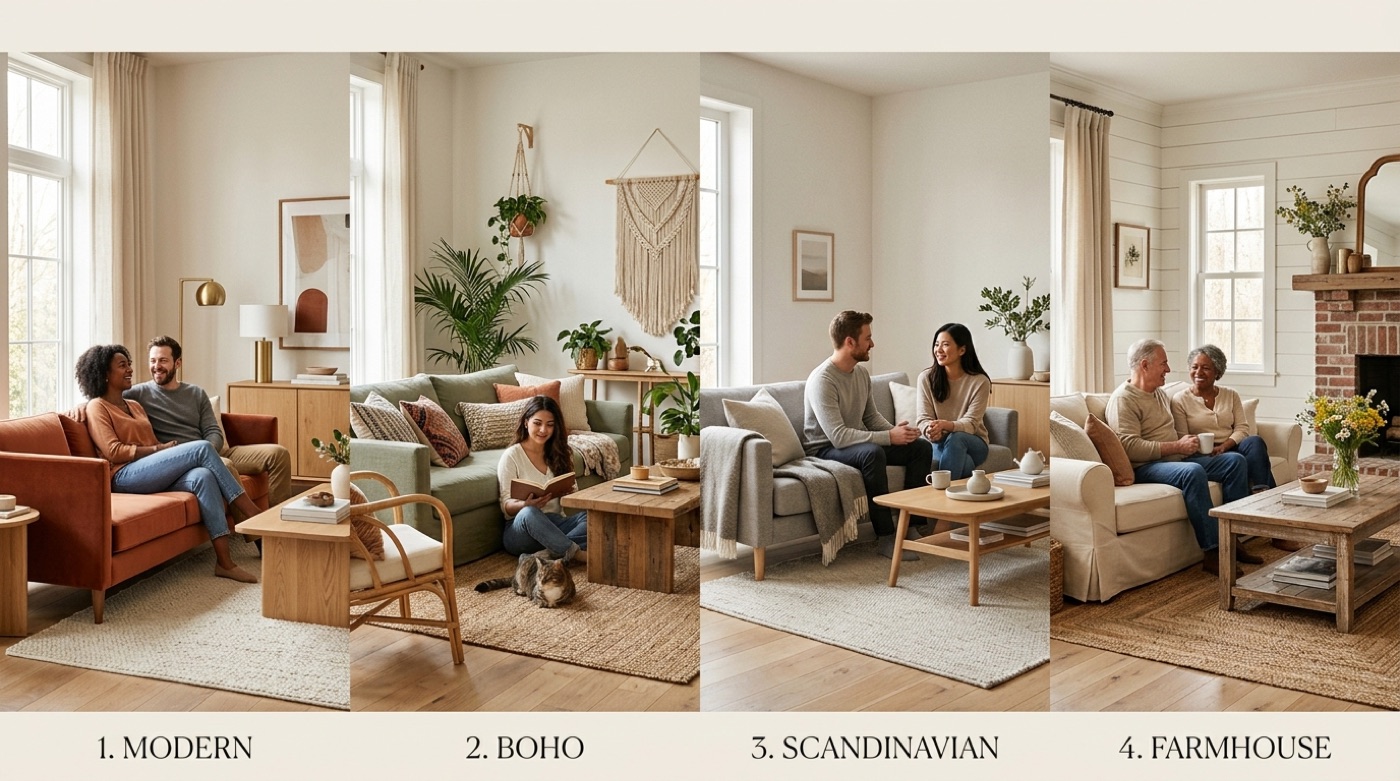
Style libraries vary widely by tool — some stay around eight curated looks, while others advertise 50 or more, giving you room to compare a Scandinavian version against a Midcentury modern one for the exact same photo before deciding. Among the most requested styles:
- Modern and Contemporary — clean lines, neutral palettes, minimal ornamentation
- Scandinavian and Japandi — light woods, muted tones, function over decoration
- Minimalist and Zen — monochromatic, clutter-free, calm
- Farmhouse and Cottagecore — warm wood, soft textiles, lived-in comfort
- Industrial and Rustic — exposed materials, raw textures, utilitarian shapes
- Coastal and Modern boho — light, airy, pattern-forward looks
What AI Interior Design Tools Can Actually Do (Tasks)
The category has grown well beyond “restyle my living room.” Here is the full task list most established tools now support in some form.
Redesign a furnished room. The most common task: upload a photo of a room you already live in, choose a new style, and get back the same layout with new colors, finishes, and furniture.
Stage an empty room virtually. For real-estate listings, AI can furnish and decorate a vacant room in a photo so buyers can picture it lived-in, without renting a single physical piece of furniture.
Remove or declutter objects. Several tools can strip existing furniture and clutter out of a photo first, giving you a clean canvas before applying a new style.
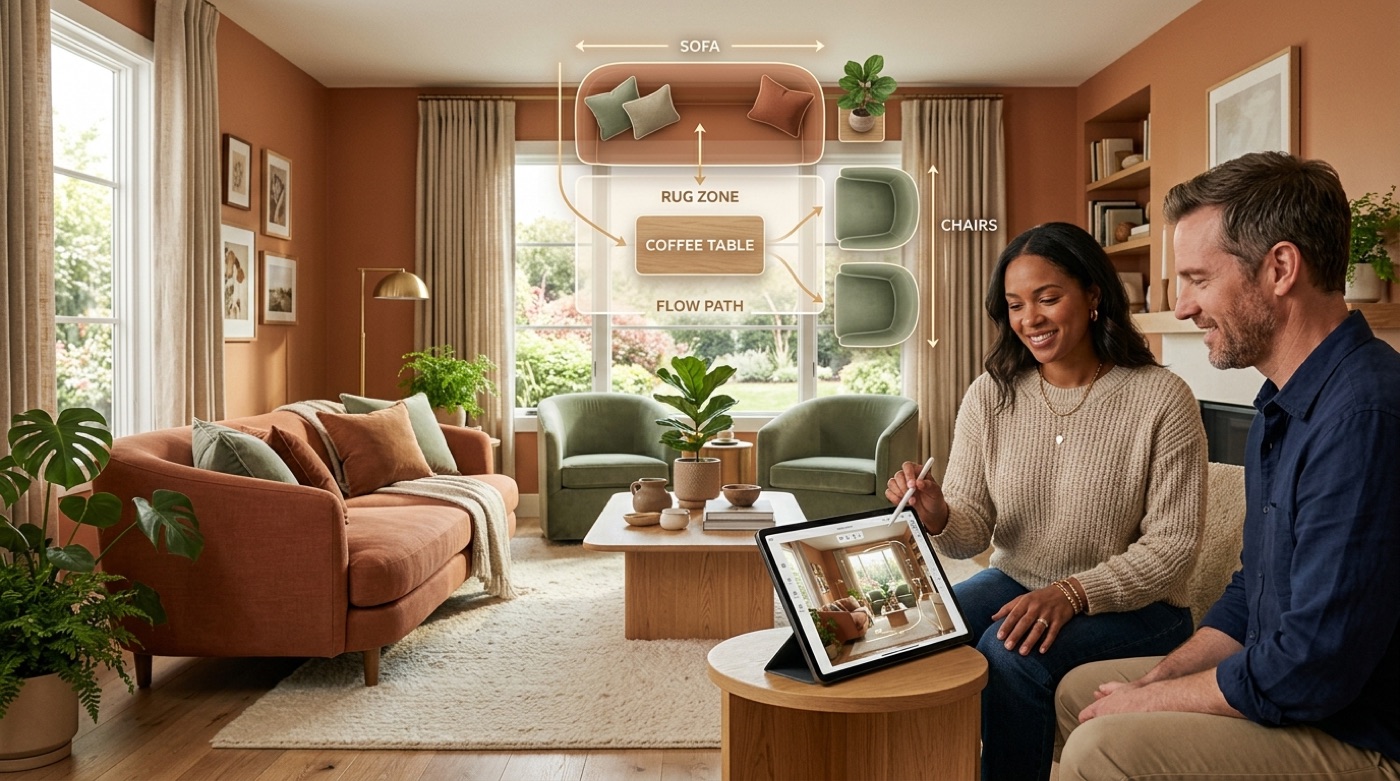
Suggest furniture layout and placement. Rather than just changing the look, some tools propose where furniture should sit based on the room’s function and traffic flow.
Convert a 2D floor plan into a 3D model. Draw or upload a floor plan and get an interactive 3D walkthrough, useful for planning a full renovation or a new build.
Tune color scheme and lighting. Warm, cool, neutral, or earth-toned palettes and different lighting moods can be applied independently of the overall style.
Link to real, shoppable furniture. A smaller subset of tools connects the rendered furniture to actual product listings you can buy, sometimes filtered by budget, rather than generating furniture that only exists in the image.
Design exteriors and landscaping. Facades, patios, gardens, and pools can be restyled the same way interior rooms are, useful before a curb-appeal renovation.

Best AI Interior Design Tools Compared
Tools in this category split roughly into three groups: fast photo-restyle apps, full floor-plan suites, and hybrid services that pair AI with a real human designer.
| Category | What it’s built for | Typical free tier |
|---|---|---|
| Photo-redesign apps | One photo in, one restyled render out, in seconds | Limited free generations, then a monthly plan |
| Floor-plan / full-suite tools | 2D-to-3D planning, large furniture catalogs | Often a generous free tier with paid upgrades |
| Human designer + AI hybrids | AI visualization plus a licensed or trained designer’s oversight | Rarely free; priced per room or per project |
Photo-redesign apps are the fastest way to see a “before and after” of your actual room and are typically the cheapest entry point. Floor-plan and full-suite tools trade some of that speed for planning depth — useful if you’re not just decorating but reworking room layouts or furnishing an empty unit from scratch. Human-designer hybrids cost more but add professional judgment on top of the AI render, which matters most for larger or structurally complex projects.
How Much Does AI Interior Design Cost — and Is It Free?
Several AI interior design tools genuinely offer free usage, not just a trial that requires a card upfront. Free tiers commonly include a capped number of renders per day or a handful of one-time free generations, sometimes with a visible watermark until you upgrade.
Free options
Free AI interior design usually means one of three models:
- Unlimited lower-resolution renders forever — no time limit, but images are capped below full print or high-zoom quality
- A small fixed number of free generations — often five to a handful of total renders, no card required
- A daily cap of watermarked renders — full resolution, but the AI stamps a logo on the image until you upgrade
Between the three, most people redesigning a single room can complete the whole process without paying anything.
Paid tiers and the value case
| Service type | Typical price range | What you get |
|---|---|---|
| Entry-level AI subscription | Roughly $10–$20 per month | Unlimited or high-volume renders, expanded style library |
| Higher-tier AI subscription | Roughly $30–$80 per month | Priority processing, higher resolution, more room/style combinations |
| Human designer service | Roughly $150–$700+ per room or project | A trained or licensed designer plus sourced, purchasable products |
Compared with a traditional design engagement, AI-based tools can cut the visualization cost by a wide margin and deliver results in minutes instead of the weeks a full design process typically takes.
Can AI Replace a Human Interior Designer? Accuracy and Limits
For most homeowners doing a single-room refresh, AI now covers the bulk of the visualization work — floor plan to 3D, furniture layout suggestions, photorealistic renders, and in some cases shoppable catalogs — at a fraction of the cost of hiring a designer. Professional designers still add clear value in specific situations:
- Structural changes — moving or removing walls, altering load-bearing elements
- Permits and code compliance — renovations that require sign-off from a local building department
- Commercial and multi-room projects — coordinating contractors, timelines, and budgets across a whole property
- Complex or high-end finishes — custom millwork, lighting plans, and sourcing that a render alone can’t specify
Interior designers make indoor spaces functional, safe, and beautiful by determining space requirements and selecting essential and decorative items, such as colors, lighting, and materials.
U.S. Bureau of Labor Statistics, Occupational Outlook Handbook
That “safe” is worth sitting with. AI-generated renders are a fast way to explore ideas and compare styles, but they are not engineering drawings. Treat every AI interior design output as inspiration and a planning aid — not a substitute for a licensed interior designer, architect, or contractor, and always verify real-world measurements, structural details, and local building codes yourself before ordering furniture or starting any renovation.
Reviewers also note that some AI renders look unrealistic or place objects in physically impossible ways, so it pays to iterate and cross-check dimensions against the real room. General-purpose chatbots can help too: a tool like ChatGPT can brainstorm styles, color palettes, and shopping lists, but it does not produce a true photorealistic render of your actual room — for that you need a dedicated image-based AI interior design tool. For guidance on what to check before a larger renovation, resources from professional bodies such as the American Society of Interior Designers outline when a licensed professional’s sign-off is worth the extra cost. Real-estate professionals also work under disclosure norms for AI-altered photos: many multiple listing services require virtually staged listing photos to be clearly labeled as such, and under the National Association of Realtors’ Code of Ethics (Article 12), Realtors must present a true, honest picture of a property in their marketing — a reminder that an AI render represents a possibility, not the room as it exists today — see the National Association of Realtors’ Code of Ethics for its standards. The underlying discipline these tools automate has its own long history, covered in the general interior design overview.
Frequently Asked Questions
- Is there an AI that can do interior design?
Yes — dozens of tools redesign rooms from a photo, apply named styles, stage empty spaces for listings, and in some cases suggest buyable furniture, all within seconds to a minute per render.
- Is AI interior design free?
Many tools offer a genuine free tier: a capped number of daily renders, a handful of one-time free generations, or unlimited lower-resolution results. Paid plans typically start around $5 a month for higher volume or resolution.
- Can I use ChatGPT for interior design?
ChatGPT is useful for ideas, style suggestions, color palettes, and shopping lists, but it does not render a photorealistic redesign of your actual room — use a photo-based AI interior design tool for that.
- Can I take a picture of my room and have AI design it?
Yes. Photo redesign is the main feature of this category: upload a photo, pick a style and room type, and the AI returns a restyled render in seconds.
- What is the best free AI interior design option?
Look for tools that offer unlimited low-resolution renders, a fixed number of free generations with no card required, or a daily cap of watermarked renders — most single-room projects can be finished within one of these free tiers.
- What styles and room types can AI design?
Rooms include living room, bedroom, kitchen, bathroom, dining room, home office, plus exteriors and gardens. Styles include modern, minimalist, Scandinavian, contemporary, boho, farmhouse, midcentury, industrial, coastal, japandi, and dozens more depending on the tool.